


One login connects every coding agent#
At the end of ellie auth login, the CLI asks "Connect Claude Code, Cursor and Codex? [Y/n]". Yes installs the entelligence-context MCP server and its primer in all three, with the default hooks, the same setup ellie mcp install runs.
Scripts pass --connect to answer yes or --no-connect to skip it. A run with no terminal installs nothing and prints the ellie mcp install hint. It ships in Ellie CLI 0.1.83.
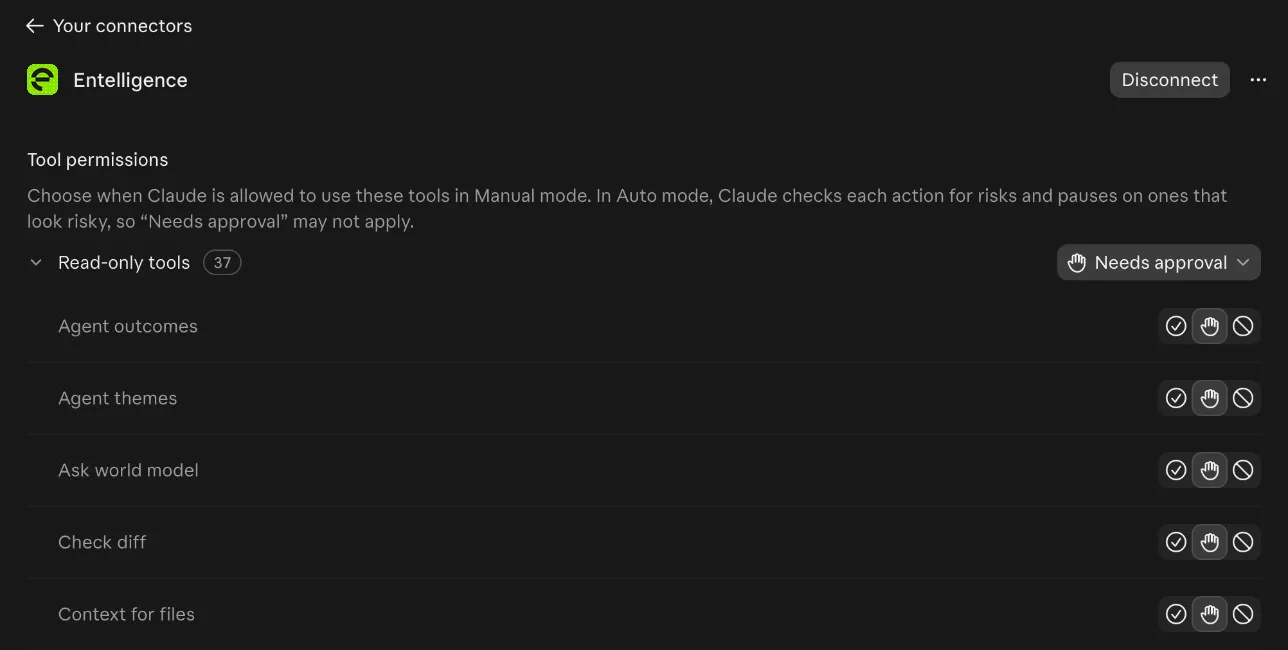
Entelligence is a claude.ai custom connector#
An Owner adds it once, under Organization settings > Connectors on Team and Enterprise, or Customize > Connectors on Free, Pro and Max. The name is Entelligence and the OAuth fields stay empty. Each member then clicks Connect and signs in to Entelligence once.
The connector shows up in claude.ai chat, Claude Desktop and Claude Code on the web, whose cloud sessions read connectors rather than local MCP config. Sign-in uses OAuth with PKCE, and each refresh token works once and is rotated on every refresh.
Agent usage tools answer in Claude#
From a connector session, the agent usage tools answer with your org data: my_agent_usage, team_agent_usage, agent_outcomes and agent_themes, the same numbers Agent Insights shows. The token carries the member and their org, and a connector session counts as an agent, never as the member in a browser.
Improvements#
- Code ReviewOn GitHub, the PR walkthrough comment is collapsed and the PR summary stays in view.
- Ellie CLIThe install script says login connects your agents, and suggests ellie mcp install on a signed-in machine.